Shenzhen Lean Kiosk Systems CO., LTD
Watch the video below to lean how a phone case vending machine works, and how to use it
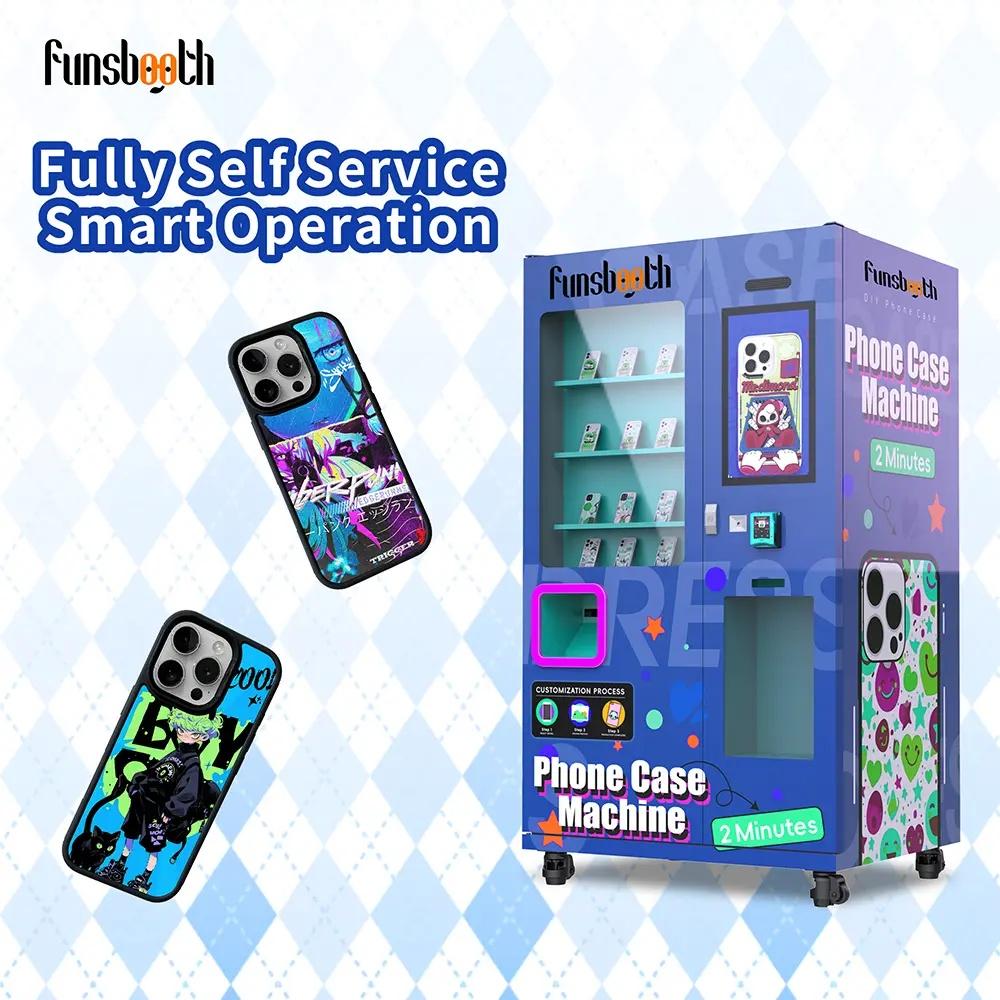
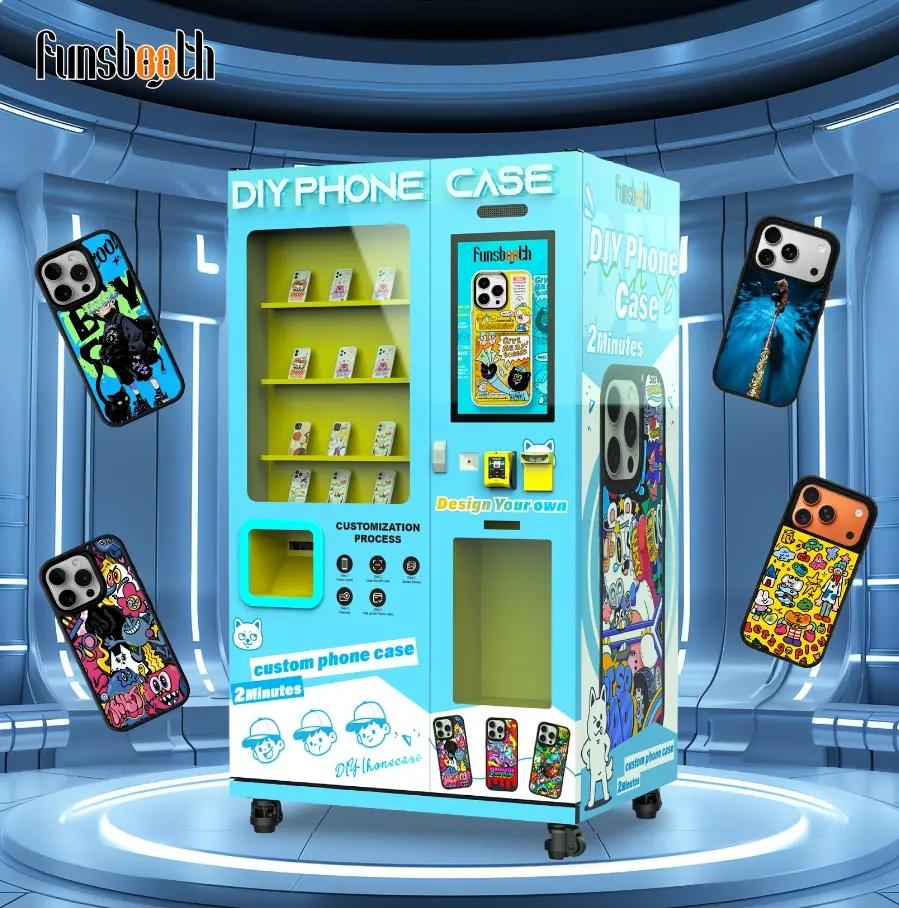
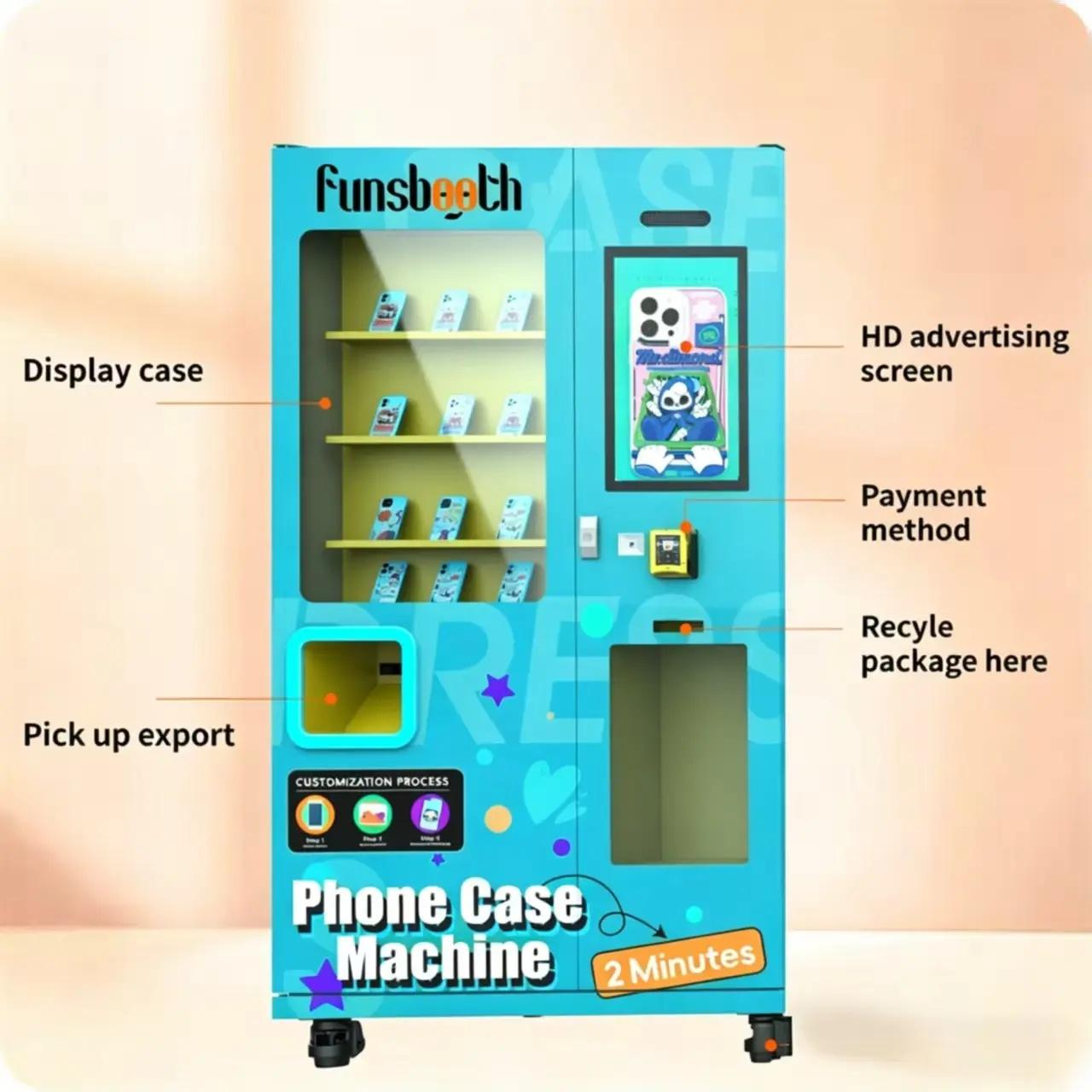
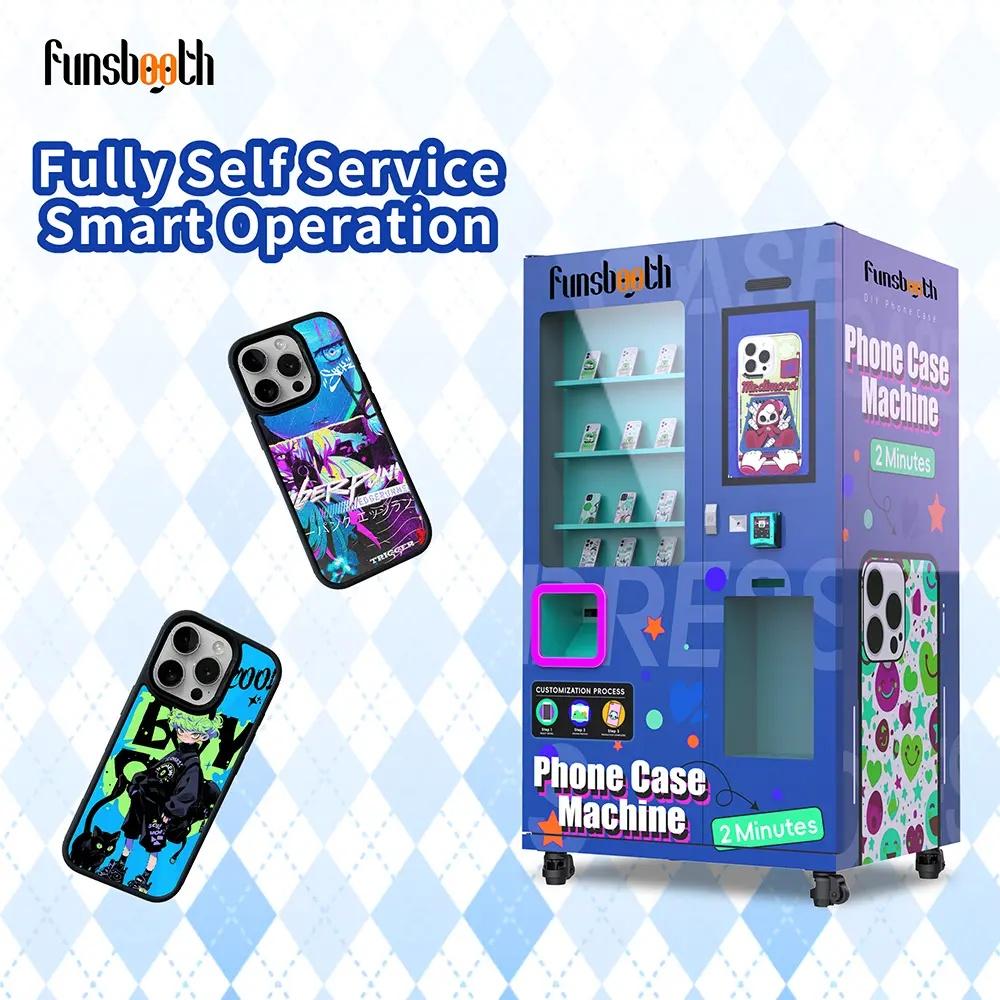
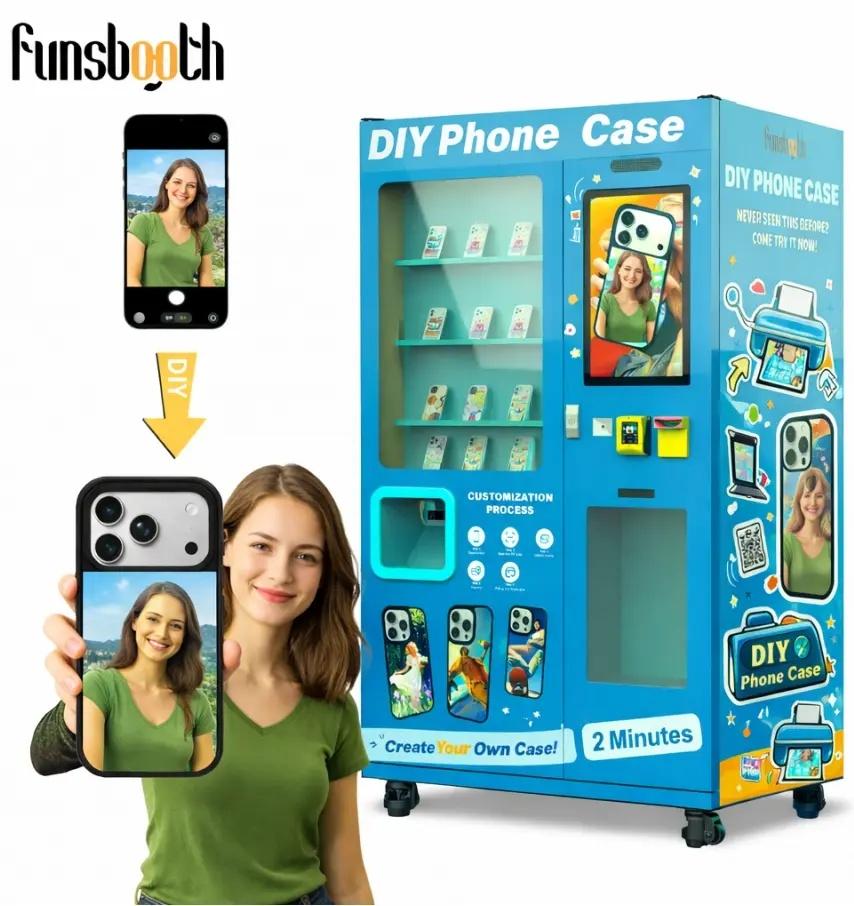
A phone case vending machine is an automated retail vending kiosk machine that allows customers to create and purchase personalized phone cases without visiting a traditional print shop.
With the Funsbooth F6, customers can complete the entire customization process independently:
| Customer Step | How It Works |
01. Select | Choose a compatible phone model |
02. Upload | Upload photos, text or artwork |
03. Customize | Adjust and personalize the design |
04. Preview | Check the design before ordering |
05. Pay | Complete payment through the supported system |
06. Print | Receive a customized phone case |
The machine combines self-service shopping, UV printing and automated order handling to create an on-demand retail experience.
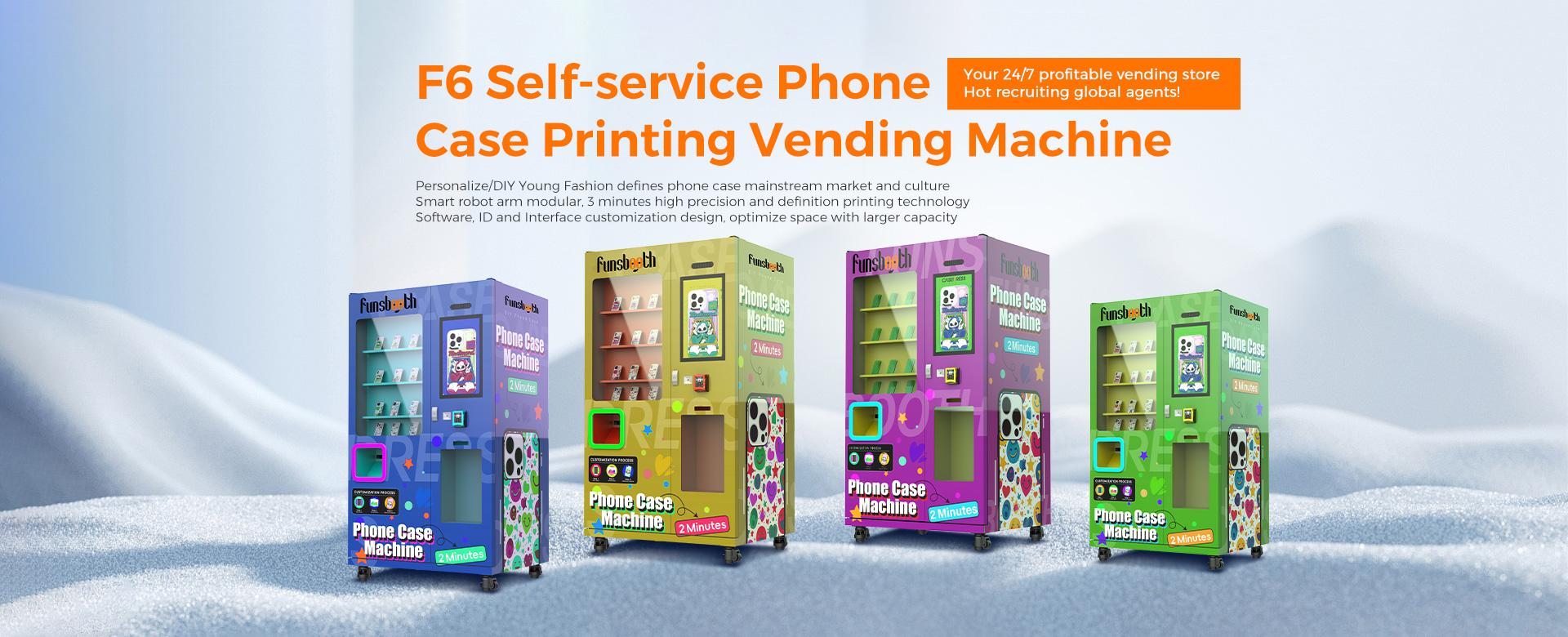
 | Explore Our Funsbooth Phone Case Vending Machine SolutionsFunsbooth offers an F6-based solution for two closely related business needs. The DIY Phone Case Vending Machine focuses on customer-led design, photo uploads and personalized shopping experiences. The Phone Case Printing Vending Machine emphasizes the UV printing system, print quality and automated production process. Both categories help operators offer customized phone cases through a self-service kiosk, with configuration options for different retail environments and target markets. |
Product Category | Main Focus | Key Features |
DIY Phone Case Vending Machine | Customer customization | Photo uploads, design selection, real-time preview and self-service ordering |
Phone Case Printing Vending Machine | Automated printing | UV printing, print quality, production workflow and machine integration |
DIY Phone Case Vending Machine
| Phone Case Printing Vending Machine
|
Explore both categories to find the right configuration for your target market.
 |
The business model is based on selling and printing personalized phone cases directly to consumers. Customers pay for a custom product created on demand, while operators earn revenue from each completed order.
Customer Traffic → Design Selection → Customization → Payment → UV Printing → Product Collection → Sales Revenue
Revenue Driver | Business Value |
Personalized Designs | Offers customers products tailored to their preferences |
Premium Customization | Creates opportunities for differentiated pricing |
Multiple Case Options | Supports different phone models and customer needs |
Tourist Souvenirs | Turns local photos and artwork into personalized products |
Seasonal Designs | Creates opportunities for holidays and promotional campaigns |
Compared with stocking only pre-designed cases, customization gives customers a reason to purchase a unique product immediately. Actual revenue depends on location traffic, pricing, product costs and local demand.
Before purchasing equipment, calculate the complete investment rather than comparing machine prices alone. A realistic business plan should include equipment, shipping, installation, initial inventory, UV ink, payment fees, rent and maintenance.
| Initial Investment | Monthly Operating Costs |
|---|---|
| Machine purchase | Location rent |
| Shipping and installation | Labor and management |
| Initial phone case inventory | Payment processing fees |
| Initial setup expenses | Ink, maintenance and other expenses |
Monthly Revenue = Daily Sales × Selling Price × Operating Days
Monthly Net Profit = Monthly Revenue − Product Costs − Operating Expenses
Payback Period = Initial Investment ÷ Monthly Net Profit
Use our interactive ROI calculator to adjust daily sales, selling price, product costs and operating expenses. Compare different business scenarios before making an investment decision.
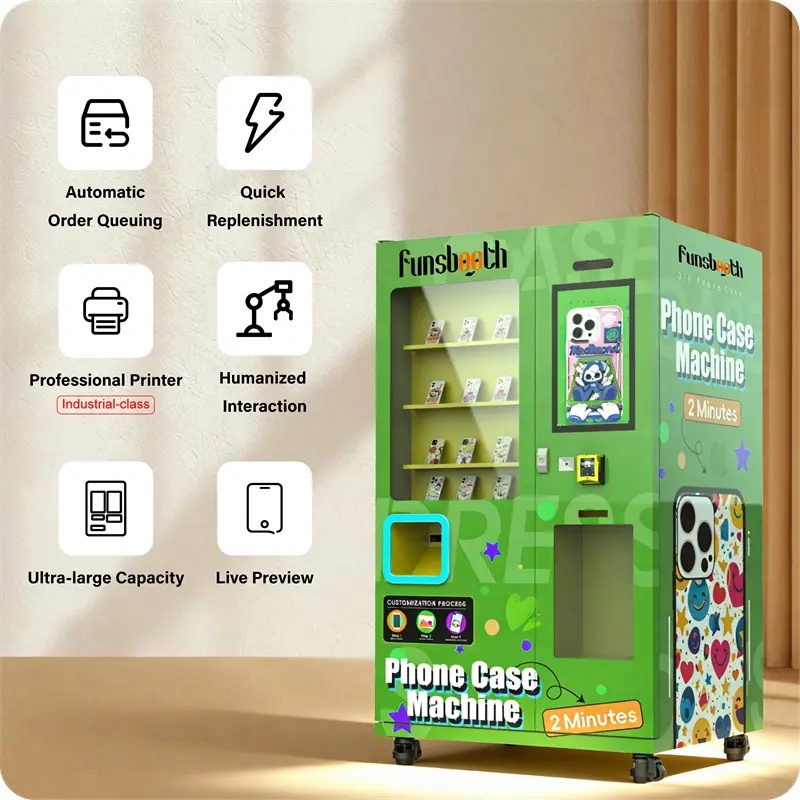
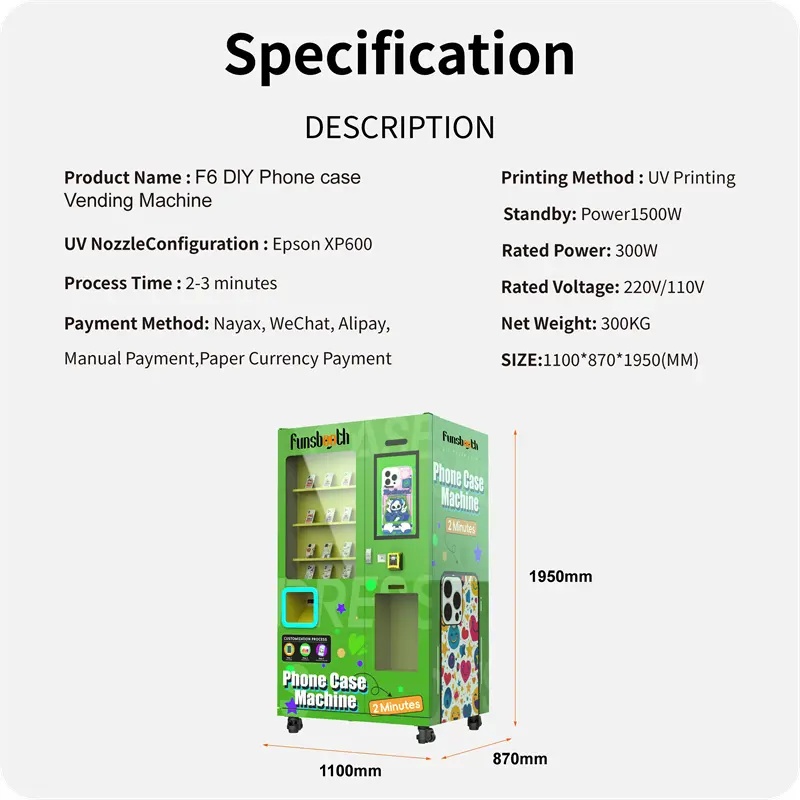
The Funsbooth F6 combines customer-friendly customization with automated UV printing. It uses an Epson XP600 print head, with i1600 and i3200 upgrade options, and completes a typical printing process in approximately 2–3 minutes. Customers can upload designs through a mobile QR-code workflow, preview their creations and pay through supported payment configurations. Multilingual interfaces, automated order handling and remote management functions help operators manage daily retail activities.
| Feature | Product Advantage |
|---|---|
| UV Printing | Industrial UV printing for customized phone cases |
| Print Head | Epson XP600 with i1600 and i3200 upgrade options |
| Printing Time | Approximately 2–3 minutes for a typical printing process |
| Design Upload | QR-code-based mobile design upload |
| Design Preview | Customers can review their artwork before ordering |
| Payment | Nayax integration and supported payment configurations |
| Software | Multilingual interface and automated order handling |
| Management | Remote management functions, depending on configuration |
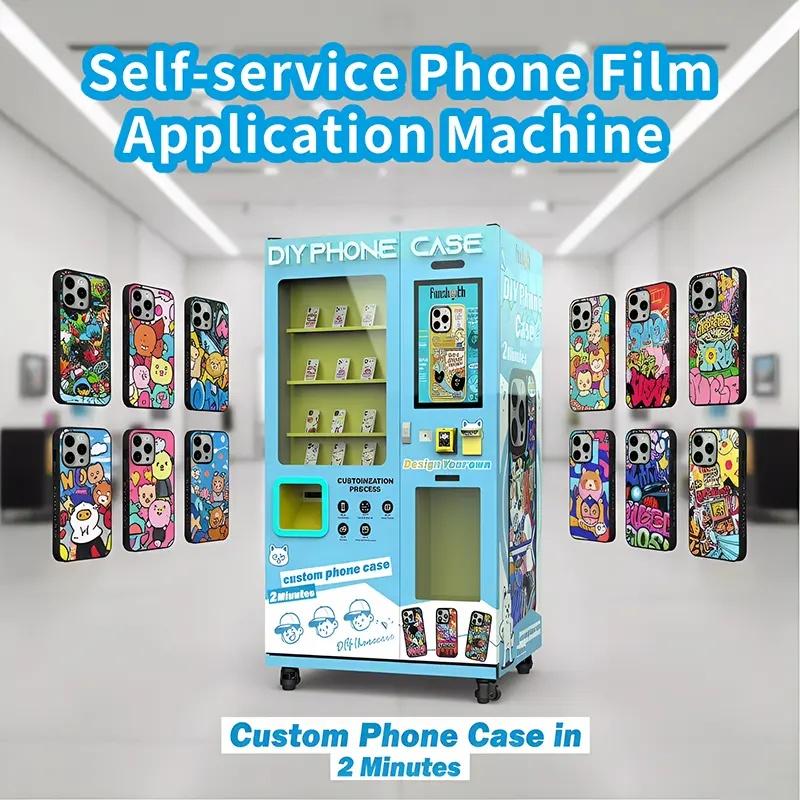
Choose an F6 configuration according to your target market, expected sales volume and operating environment. Funsbooth can discuss different equipment and software requirements to help match the machine to your business plan.
| Configuration Area | Options to Confirm |
|---|---|
| Printing System | Epson XP600, i1600 or i3200 configuration |
| Phone Case Inventory | Supported phone models, case styles and materials |
| Payment System | Nayax and local payment compatibility |
| Software Interface | Language, design workflow and user experience |
| Machine Appearance | Exterior branding and customized graphics |
| Electrical Setup | Local voltage and power requirements |
| Business Application | Mall, retail, tourist attraction or event deployment |
Business Requirements → Configuration Review → Technical Confirmation → Design Approval → Production
Contact our team to confirm the available options, specifications and compatibility before placing your order.
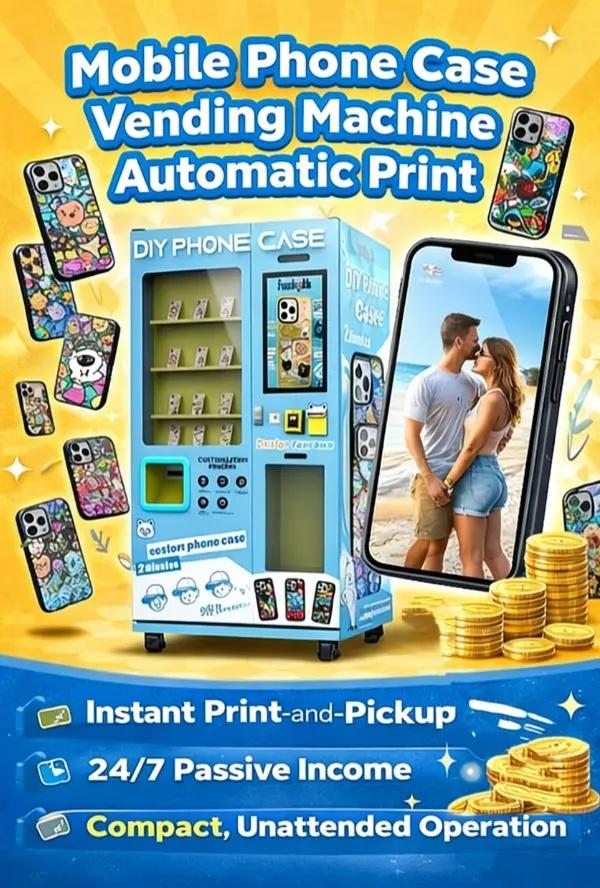
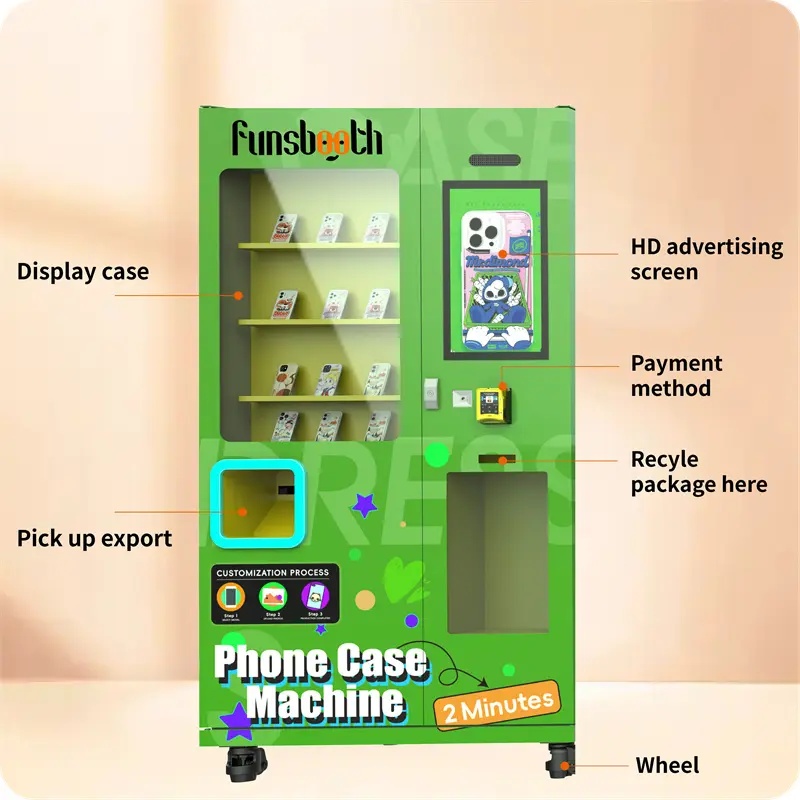
The phone case vending machine F6 integrates an industrial UV printing system, an interactive self-service interface and an automated case-handling structure. Its technology is designed to connect customer customization with the printing and order fulfillment process.
UV Printing System: Supports on-demand printing of personalized phone case designs.
Print Head Configuration: Epson XP600 with i1600 and i3200 upgrade options.
QR-Code Design Upload: Allows customers to upload artwork through a mobile workflow.
Real-Time Preview: Helps customers review their design before placing an order.
Order Management: Organizes successive print requests through the automated workflow.
Cloud Management: Supports remote management and monitoring functions, depending on configuration.
Payment Integration: Supports compatible payment modules and market-specific requirements.
Design Upload → Image Processing → Order Confirmation → Payment → UV Printing → Finished Product
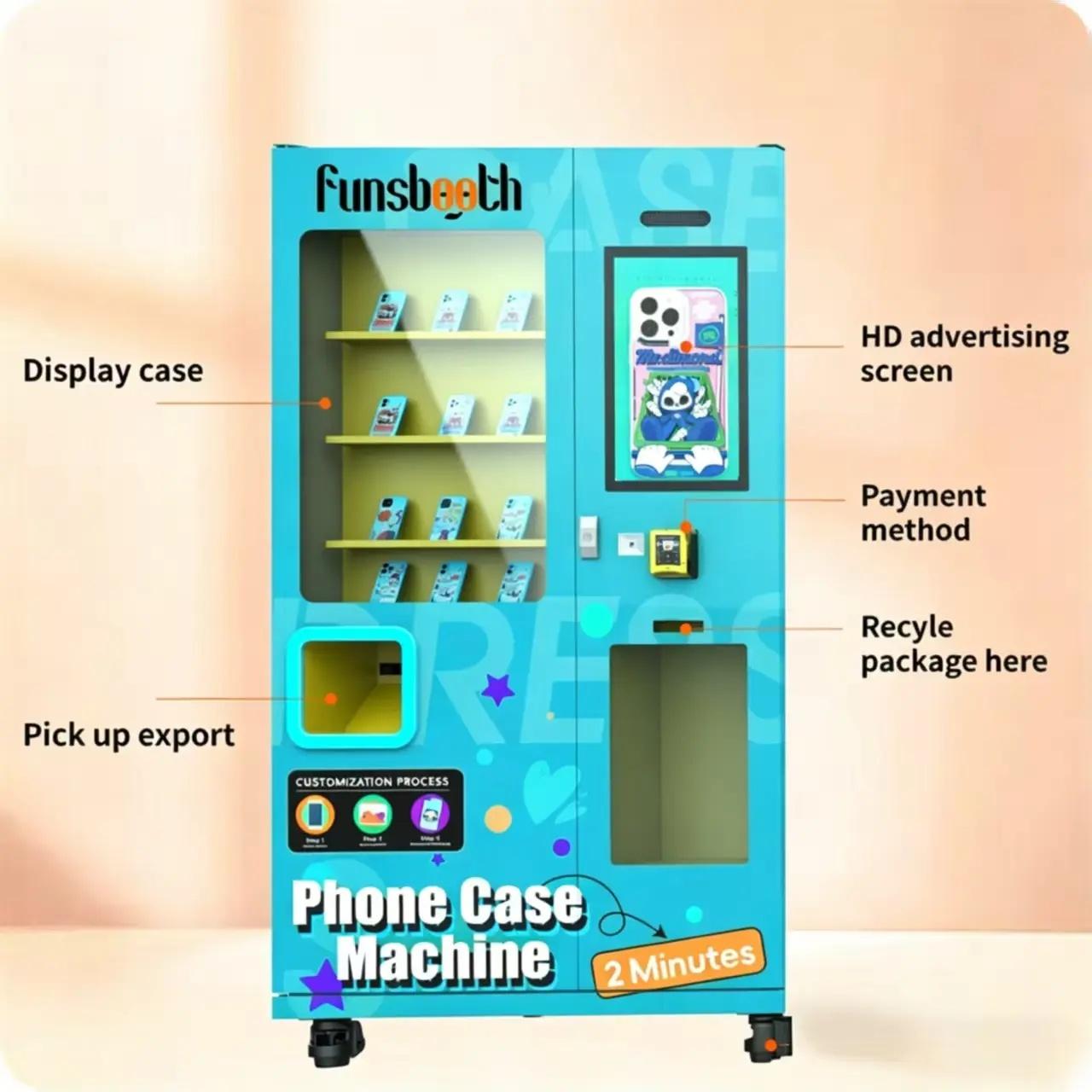
A reliable phone case vending machine requires coordinated mechanical, electrical, printing and software integration. Funsbooth approaches equipment production through a structured process that connects project requirements with machine assembly and functional testing.
| Production Stage | Main Work |
|---|---|
| 01. Requirement Review | Confirm project needs and machine configuration |
| 02. Structural Preparation | Prepare the cabinet and mechanical structure |
| 03. Component Assembly | Install electrical and mechanical components |
| 04. Printer Integration | Install and configure the UV printing system |
| 05. Software Integration | Configure the interface, ordering and payment functions |
| 06. System Testing | Check machine operation and printing performance |
| 07. Final Inspection | Review the completed machine before packaging |
| 08. Export Packaging | Prepare equipment for shipment |
Funsbooth combines self-service equipment R&D and manufacturing experience with factory-level production resources. Each project should be checked against its confirmed configuration and quality requirements before shipment.
 |
A vending business needs more than equipment delivery. Operators also need guidance on installation, daily operation, printer maintenance, inventory replenishment and troubleshooting.
| Support Area | What Operators Need |
|---|---|
| Installation Guidance | Preparation and setup instructions |
| Operating Training | Customer workflow and daily operation guidance |
| Printer Maintenance | Cleaning, calibration and maintenance tutorials |
| Technical Assistance | Troubleshooting and remote support |
| Spare Parts | Information about replacement components |
| Consumables | Guidance on relevant printing supplies |
| Software Support | Assistance with supported software functions |
Before purchase, confirm the warranty period, covered components, consumable exclusions, spare-parts availability and remote support arrangements. Our team can help you understand the service requirements for your intended operating market.
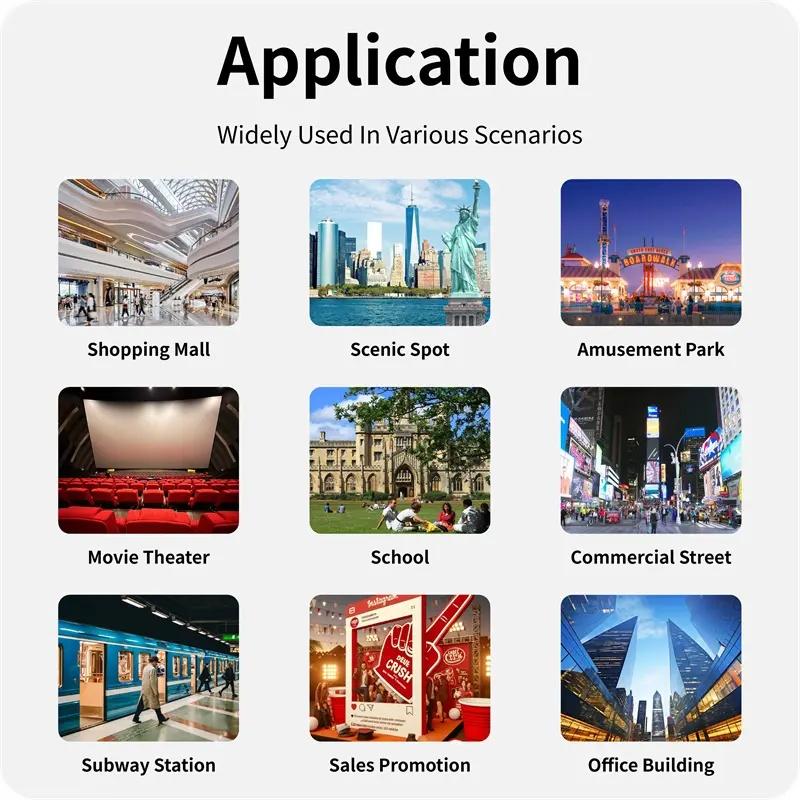 |
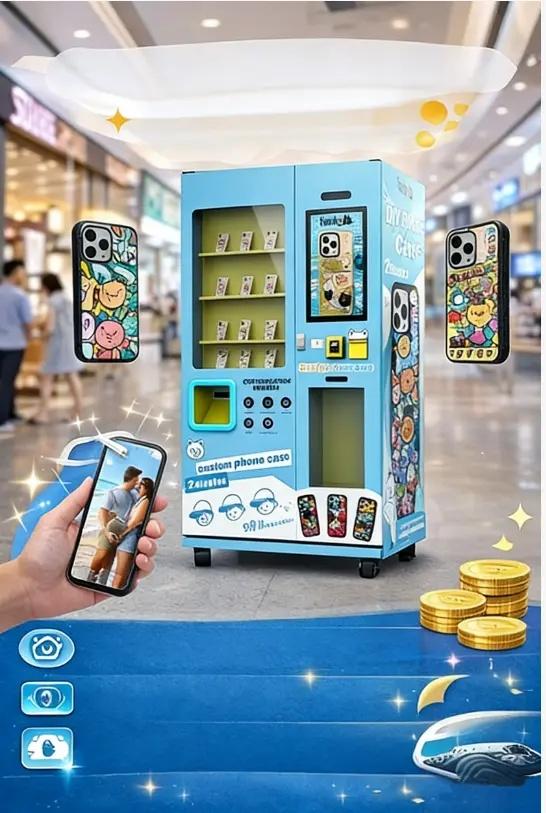
Application Cases and Real-World Business OpportunitiesPhone case vending machines can be considered for locations where customers have time to browse, personalize products and make impulse purchases. |
| Location | Business Opportunity |
|---|---|
| Shopping Malls | Personalized products for shoppers |
| Tourist Attractions | Custom souvenirs featuring local photos |
| Cinemas | Entertainment-themed phone case designs |
| Universities | Personalized accessories for students |
| Retail Centers | Additional self-service retail revenue |
| Events and Exhibitions | On-demand customized promotional products |
Funsbooth has presented its self-service phone case printing technology at the Canton Fair, where visitors could experience the design and printing process.
The right location depends on customer demographics, foot traffic, available space, local demand and operating costs. Contact Funsbooth to discuss suitable configurations for your own location or event.
Starting a phone case vending machine business requires a suitable location, a clear product strategy and an understanding of local customer demand.
Your Business Startup RoadmapStep 1 – Research Your MarketIdentify popular smartphone models, local customer preferences and potential competitors. Step 2 – Choose a LocationEvaluate shopping malls, tourist attractions, entertainment venues and other suitable retail environments. Step 3 – Plan Your InvestmentCalculate machine costs, inventory, shipping, rent, consumables and other operating expenses. Step 4 – Select Your MachineConfirm the printing system, software, payment methods, language and customization requirements. Step 5 – Prepare Your InventorySelect suitable phone case models and materials based on your target customers. Step 6 – Launch and OptimizePromote personalized designs, monitor sales performance and replenish popular models according to actual demand. | 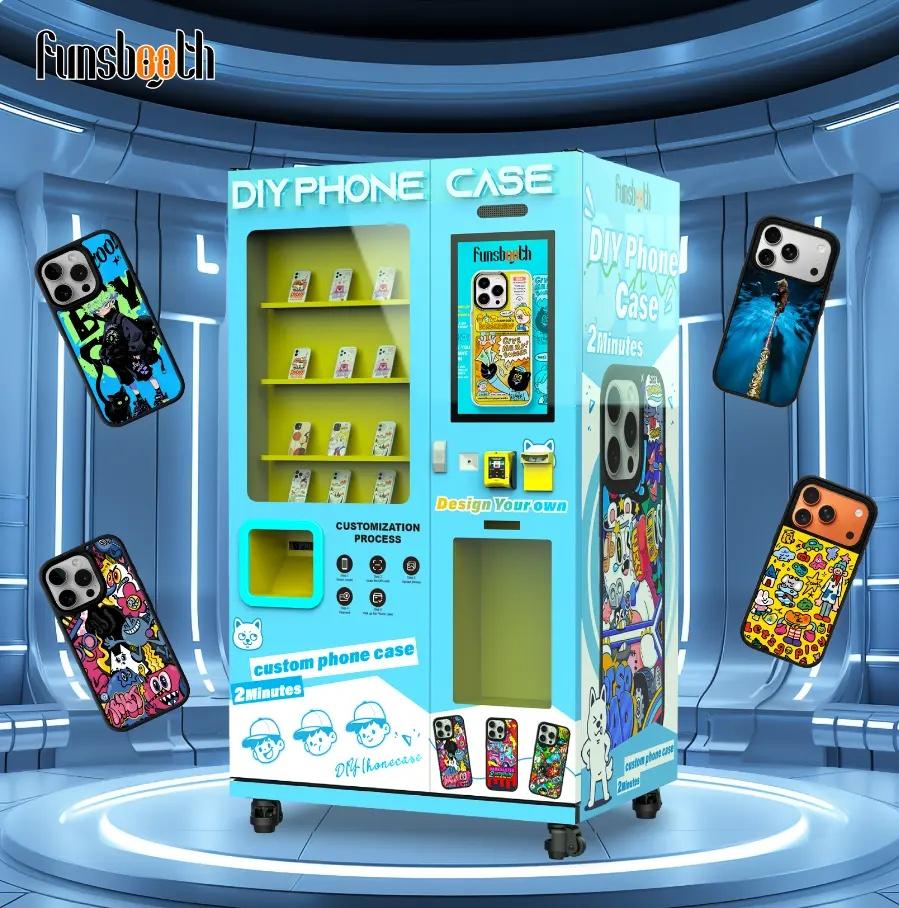 |
Before placing an order, confirm the vending machine phone case specifications and business requirements with the manufacturer. A clear purchase checklist helps reduce configuration misunderstandings and prepares your location for installation.
|
|
Select Phone Model → Upload or Choose Design → Customize → Preview → Pay → Wait for Printing → Collect Finished Case
For installation, prepare suitable floor space, a grounded power connection and a stable network according to the confirmed machine configuration. Funsbooth can provide product information and operating guidance for your project.
Watch the video guide to phone case vending machine operation provide by Funsbooth
|
|
Ready to explore a phone case vending machine business? Tell us your target country, intended location, expected daily sales, preferred payment methods and customization requirements.
| Information | What to Share |
|---|---|
| Target Market | Country or region |
| Business Type | New business, retail expansion or distribution |
| Purchase Quantity | One machine or multiple units |
| Installation Location | Mall, tourist attraction, retail store or event |
| Customization | Branding, language and payment requirement |
The Funsbooth team can help you review the F6 configuration, printing options, branding requirements and project considerations before purchasing.
Explore F6 Phone Case Vending Machine | Calculate Your ROI
Contact us today to discuss your requirements and request a tailored quotation.